
Laptop Sticker Available With Fixing 100ghc
 Sold by B.T.C COMPUTERS · Circle
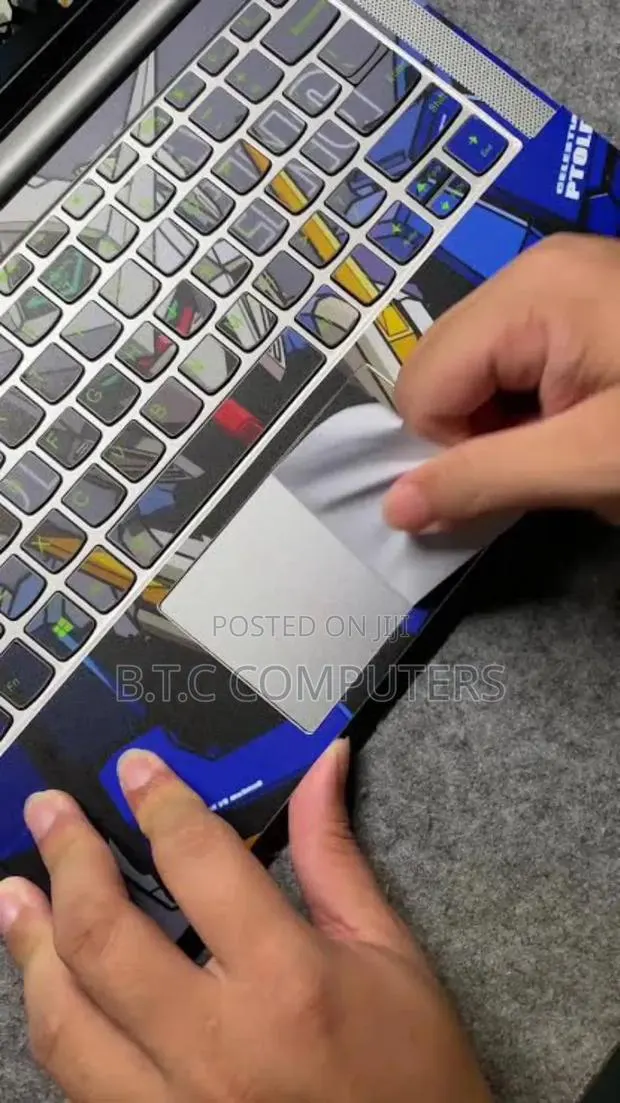
How to Apply a Laptop Sticker Perfectly 1. Clean the laptop surface Turn off the laptop. Wipe the area with a soft cloth and a little water or mild soap. Make sure the surface is dust-free, dry, and smooth. 2. Plan the position Before peeling the sticker, place it on top to see how it will look. Adjust until you’re happy with the spot. 3. Peel slowly Peel one edge of the sticker carefully. Don’t touch the sticky side too much to avoid fingerprints. 4. Apply smoothly Start from one side and press gently. Use a plastic card (like an ID card) to push out any air bubbles slowly. 5. Smooth edges Press the edges firmly so they don’t lift later. Tips for a Long-Lasting, High-Quality Finish Use vinyl stickers — they last longer and look premium. Avoid placing stickers over vents or speakers.