
Samsung Smart Remote With A Button Press Away To Apps
 Sold by Kofi Electronics · Adabraka
GH₵ 499Available · new
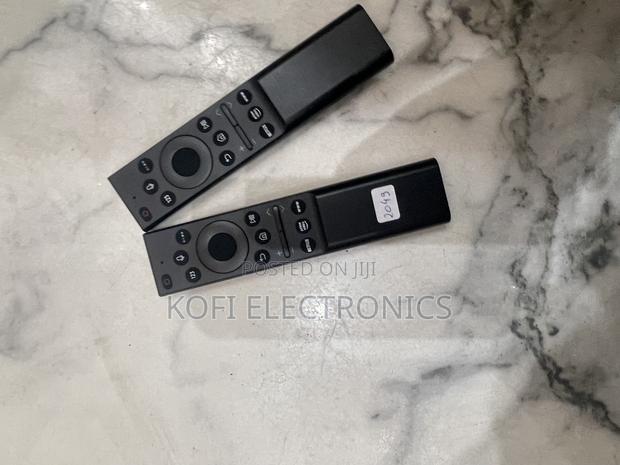
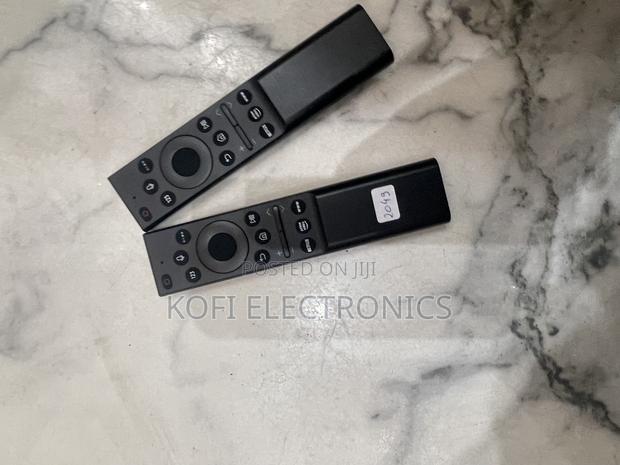
Connecting the Samsung Smart e to the TVWhen you turn on the TV for the first time, the Samsung Smart e pairs to the TV automatically. If the Samsung Smart e does not pair to the TV automatically, point it at the front of the TV, then press and hold the BACK and START / PAUSE ons simultaneously for 3 seconds or more.
Details
- Brand
- Samsung
- Type
- TV & DVD Accessories
- Condition
- Brand New