
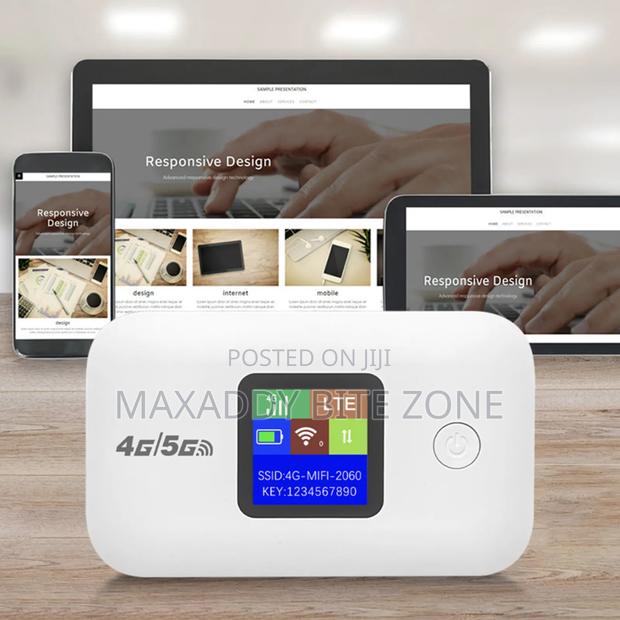
Description
1: Because not all cards can automatically recognize APN, some cards may need to set up APN. Open the router IP address in the computer or mobile browser, log in to the router backend, and save the settings before restarting the power supply 2: The SIM card should be inserted in the correct direction, and the size of the SIM card board should be consistent with the size of the router's SIM card slot. If it is a nano or micro card, a card sleeve may need to be inserted into the machine's card slot 3: Put in the SIM card first and then turn it on 4: If the battery contacts have protective film, the protective film needs to be removed, and the power supply needs to use the machine's matchi power supply and USB charging cable to avoid | unable to power on.(There are quite a few customer complaints)