Description
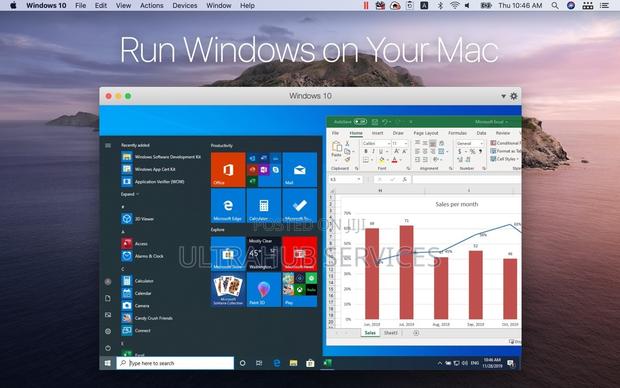
If you need to run Windows programs that aren’t available on Mac, or migrate data when switching from a PC to a Mac, Parallels Desktop can help you. You can run Windows side-by-side with macOS (no reboot required) on your MacBook, MacBook Pro, iMac, iMac Pro, Mac mini, or Mac Pro. Share files and folders, copy and paste text and images, and drag and drop files between Mac and Windows applications. Parallels Desktop automatically detects what you need to get started, so you can get set up in minutes. If Windows is required, you’ll be prompted to download and install Windows 10 or choose your current Windows installation, Linux, Ubuntu, or Boot Camp.